
Anúncios
Have you ever stopped to think about whether your current environment truly contributes to your daily productivity? Sometimes we believe any desk will do, but the space where we spend hours directly influences our focus and well-being.
Creating a dedicated workspace is essential for separating personal life from professional tasks. By setting up a home office, you gain more organization and comfort, transforming a simple corner into a high-performance hub.
Anúncios
Today, we will explore fundamental steps to structuring a Home Office for Remote Work that respects your individual needs.
Choosing the Ideal Location for Productivity
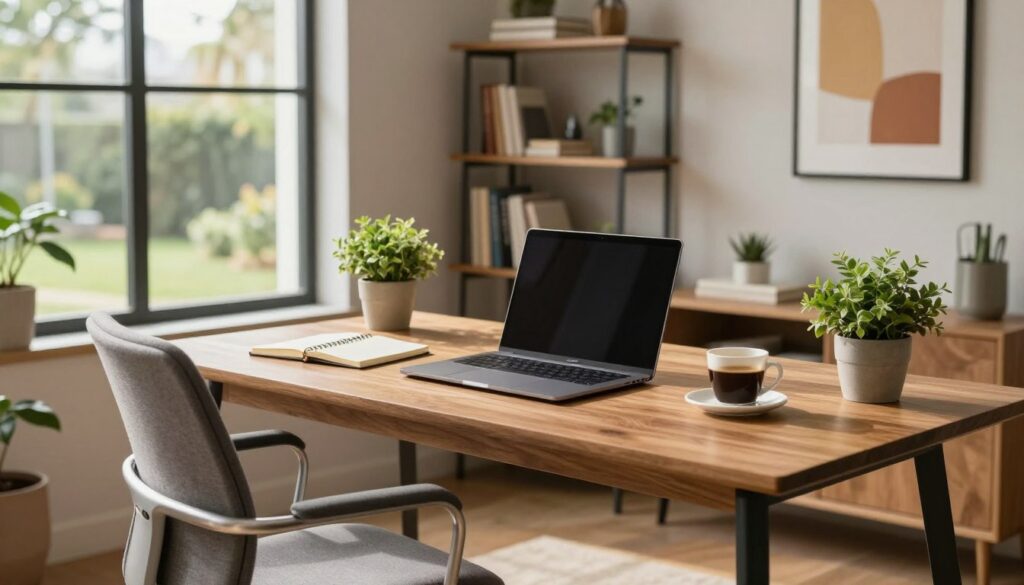
Setting up an efficient home office starts with strategically selecting your workspace. Choosing the right location is fundamental to ensuring your productivity at work and avoiding the common distractions of daily home life.
The importance of separating personal and professional life
Creating a physical barrier between rest and professional obligations helps the brain understand when it’s time to focus. Even in smaller homes, defining a functional workspace is essential for maintaining good mental health.
Anúncios
When you separate environments, you can disconnect from tasks at the end of the workday more easily, preventing work stress from invading leisure time with your family.
Taking advantage of underutilized corners of the home
Often, the perfect workspace is hidden in places you wouldn’t even imagine. That space under the stairs or an empty niche in the hallway can be transformed into productive workstations.
Therefore, observe the corners of your home with a creative eye and analyze the available lighting. With a little planning, any forgotten area can become an organized command post.
Tips for Small Spaces
If the square footage is limited, opt for multifunctional furniture that optimizes every inch. Folding tables or suspended shelves are great alternatives for those who need practicality without taking up too much space.
Maintaining organization is key to preventing compact areas from looking cluttered. Use vertical organizers to free up desk space and ensure a smoother workflow.
Investing in Ergonomic Furniture
Ergonomic furniture transforms the way you approach remote work. Therefore, prioritizing physical health is a fundamental step for those who spend long hours sitting, ensuring that the body doesn’t suffer from daily wear and tear.
Applying ergonomic principles at work is a smart decision that promotes longevity and well-being.
How to select the ideal office chair
Choosing the right chair is the starting point for a healthy environment. Look for models that offer good lumbar support, as this area suffers the most from prolonged pressure.
Adjusting the height and position of your arms is also essential to avoid tension in your shoulders and neck.
When testing a chair, check that your feet are fully supported on the floor. Correct posture starts from the base, allowing blood circulation to flow without interruption, remembering that comfort should be your top priority when buying.
Adjusting the desk height to avoid injuries
The desk height should allow your elbows to be at a 90-degree angle while you type.
If the surface is too high or too low, you will unnecessarily strain your wrists and back. Adjusting this simple detail prevents chronic injuries that can impair your performance.
The Importance of a Monitor Stand
The monitor should be positioned at eye level to prevent you from tilting your neck down. Using a specific stand helps keep your spine aligned throughout the day, making a huge difference in reducing visual and muscular fatigue.
Lighting and Ventilation as Pillars of Well-being
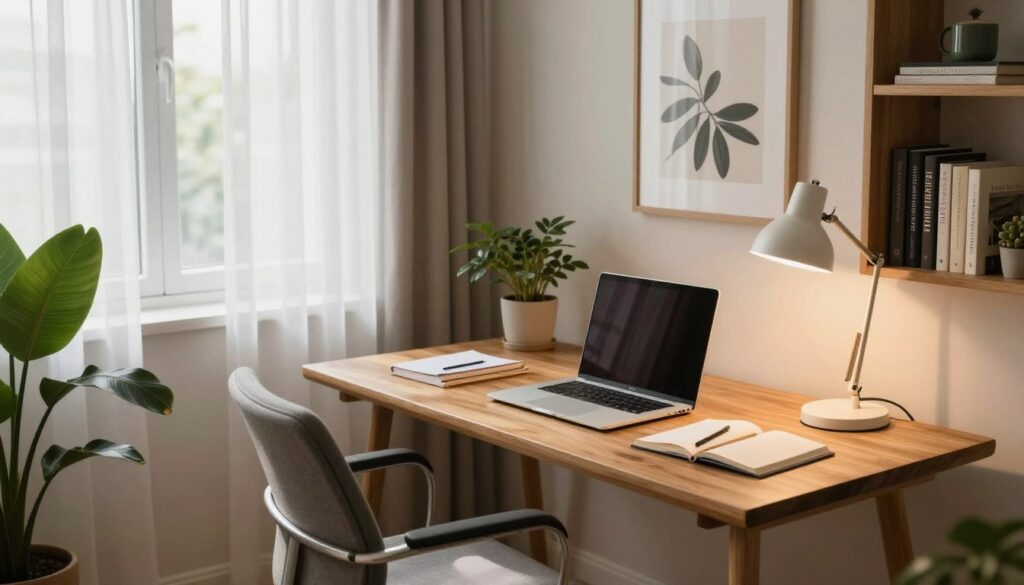
Well-being at work begins with smart choices about the physical environment. A well-lit and ventilated space directly influences your mood and your ability to concentrate during daily tasks.
Therefore, prioritizing these elements is a simple step that generates great results in your disposition. When air circulates freely and natural light is well utilized, mental fatigue decreases considerably.
Maximizing natural light in the environment
Taking advantage of daylight is the best way to save energy and maintain a healthy biological rhythm. Strategically position your desk near windows, but avoid direct sunlight on the computer screen to prevent annoying reflections.
If sunlight is too intense, use light curtains or blinds that allow light in without excessive heat, helping to keep the environment airy and visually pleasant.
Choosing the correct color temperature for light bulbs
Natural light is not always sufficient, especially at night or on cloudy days. Therefore, choosing the right artificial lighting is fundamental to ensuring well-being at work and avoiding eye strain.
For areas requiring focus and reading, opt for lamps with a neutral or cool color temperature, which stimulate attention. For relaxation or light reading, warmer tones create a welcoming and stimulating atmosphere for your daily routine.
Organization and Cable Management
The visual clutter caused by scattered cables can be a major obstacle to your daily productivity.
A messy desk often reflects a scattered mind, hindering the concentration needed for complex tasks. Therefore, investing time in structuring your workspace is essential for maintaining focus.
Tools for hiding wires and cables
There are several practical solutions that help eliminate visual pollution from your environment. Using adhesive cable channels is an excellent way to guide wires along the legs of the desk, keeping them out of sight.
In addition, Velcro cable ties allow you to group cables in an organized way, facilitating future maintenance.
Another very efficient alternative is the use of cable management boxes. They hide power strips and excess wires, leaving your setup looking much cleaner. Proper cable organization completely transforms the aesthetics of your workspace.
Keeping your work surface clean
To ensure you only have the essentials within reach, get into the habit of reviewing your desk at the end of each day.
Remove unnecessary papers, empty cups, and items that are not part of your productive routine, preparing the ground for a smoother start to the next day.
Office organization should be seen as an ongoing habit, not a one-time task.
By keeping only what is necessary on your desk, you reduce distractions and increase your efficiency. An organized environment is the foundation for high-quality remote work.
Essential Equipment for Your Setup
Having the right tools at your disposal completely transforms your professional experience at home.
The choice of your remote work equipment defines the speed and quality with which you deliver your daily tasks. A well-equipped environment ensures that technology is a constant ally.
Choosing the right computer or notebook
The heart of your office is your computer. To select the ideal machine, evaluate the processing power needed for your specific tasks, such as video editing, programming, or simply document management.
If you need mobility, a powerful notebook with good battery life is the best choice.
If you prefer a desktop, focus on components that allow for future upgrades, ensuring that your computer setup remains up-to-date for longer.
Peripherals that increase efficiency
In addition to the main machine, quality peripherals raise your level of productivity. Therefore, investing in accessories that facilitate workflow helps save precious time during the workday.
Mechanical Keyboards and Vertical Mice
The use of mechanical keyboards provides superior tactile feedback, reducing typing errors and increasing comfort during long work sessions.
Vertical mice are excellent for maintaining natural wrist posture, preventing pain and repetitive strain injuries.
By assembling a balanced computer setup, you prioritize your long-term health. These remote work tools, when well-chosen, transform your workspace into a place of high performance and well-being.
Conclusion
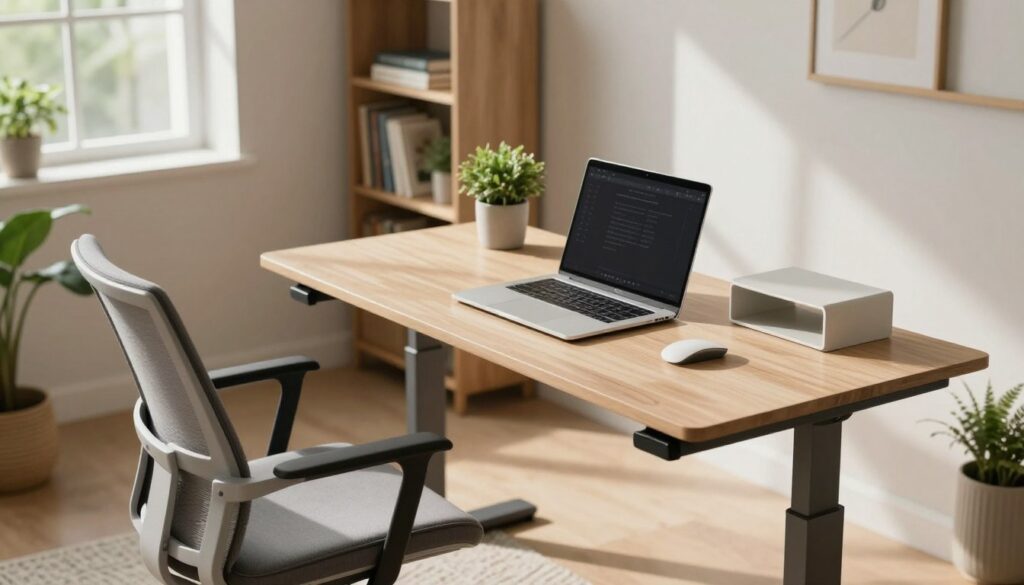
Setting up a home office for remote work represents a real commitment to your well-being and productivity. Every adjustment made to your environment directly reflects on the quality of your work and your mental health throughout the week.
The ideal space isn’t static; it should adapt to changes in your professional and personal demands.
Observe how your body and mind react to the new layout. Small adjustments to lighting or the organization of Logitech or Dell peripherals can lead to significant gains in focus.